Setup
Accept an Invitation from Your Church Admin
Accept your church invitation, use the correct account, and sign in on the web or iPhone.
Your church administrator must invite you before you can use its Vigilant workspace. Installing the app alone does not create a church membership.
Before you begin
Use the invitation sent to your own email address. Keep the link private and confirm that the church named in the message is the church you expect to join. Invitations expire after seven days; use the newest email after an administrator resends one.
Accept a new account invitation
- Open the message titled Set Up Your Vigilant Church Account.
- Select Set Up Account.
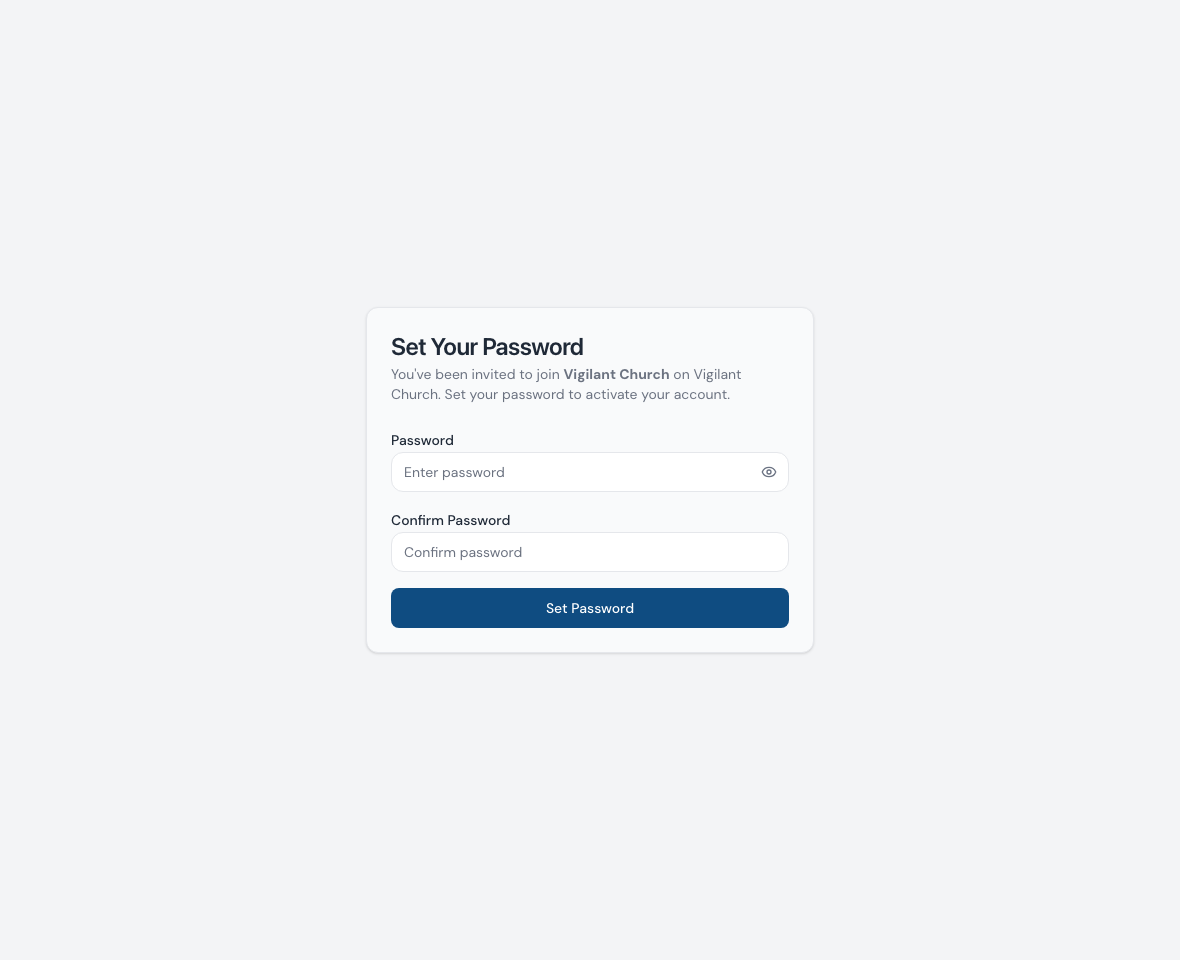
- On the password-setup page, confirm the church name.
- Enter and confirm your password, then select Set Password.
- Wait for the success message, then sign in with that email and password.

Example shown with fictional demo data. View full-size screenshot.
Join with an existing Vigilant account
- Open the newest invitation link.
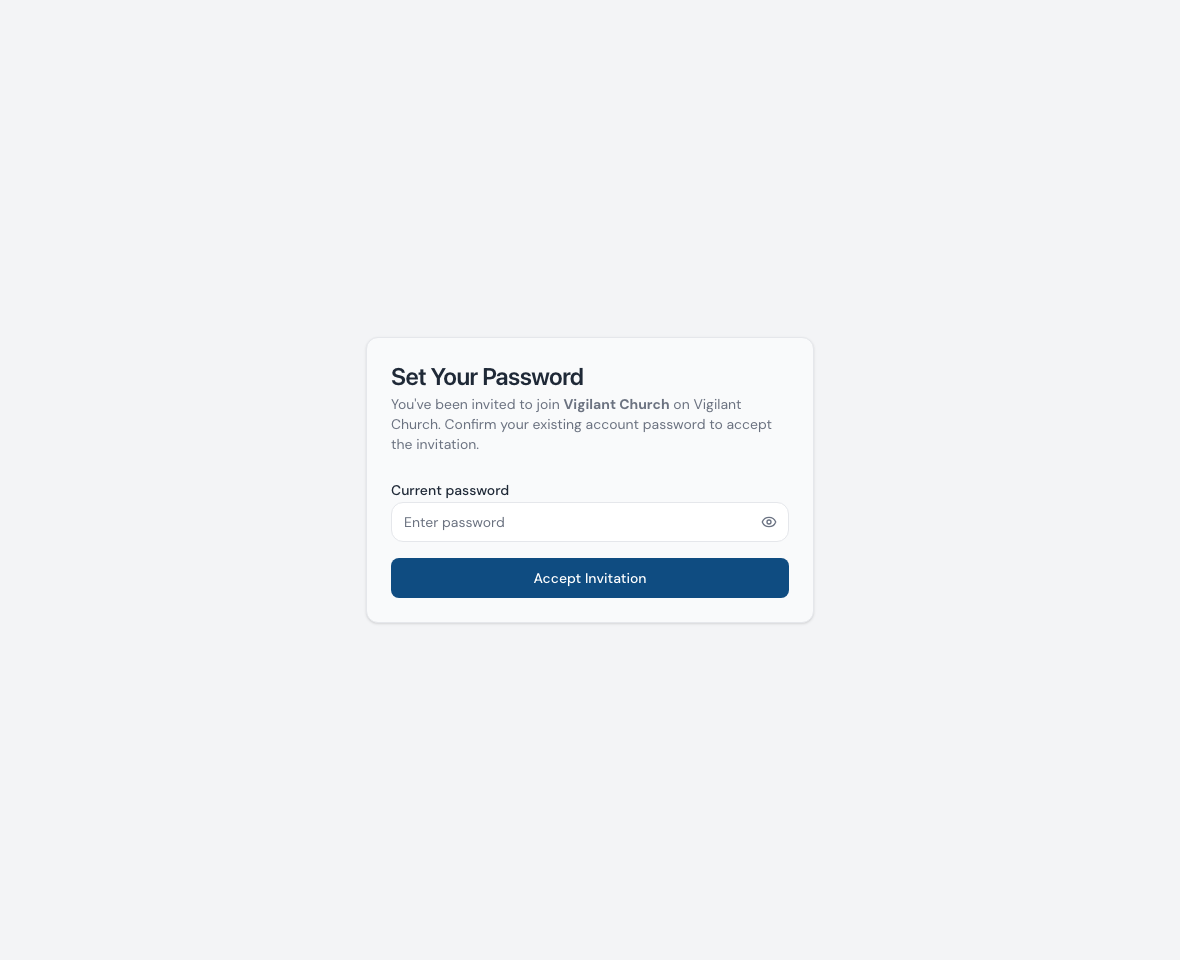
- Enter your current Vigilant password to accept the membership.
- Complete the authenticator or backup-code check if your account uses MFA.
- Sign in and select the new church from your available memberships.
Accepting another church's invitation does not require a separate email identity. Your role, campus assignments and Church Admin access can differ between churches.

Example shown with fictional demo data. View full-size screenshot.
Sign in on your phone
The iPhone app uses the same Vigilant account. Complete the invitation in your email first, then sign in to the app. See Get Started on iPhone.
Android remains in testing. Invited testers should follow the installation instructions for their testing group, then sign in with the same Vigilant account. Use the web app while waiting for access.
Resolve invitation problems
- No email: check spam or junk, then ask the administrator to verify the address and resend the invitation.
- Link expired, already used or invalid: ask for a replacement and use the latest message. If setup already succeeded, sign in instead.
- Forgotten password: use Forgot Password? on sign-in. For an existing account, resetting your password and accepting the church membership are separate steps.
- Church missing after sign-in: confirm the email address and church selector, then ask the church administrator to check that your membership is active.
- MFA unavailable: use one of your saved backup codes or contact support for account recovery. Never share a code with another person.