Procedures
Find and Read Church Procedures
Find approved procedures, navigate their contents, and report missing or unreadable documents.
Use Procedures to find the policies and response instructions approved by your church. Confirm that a procedure applies to your location and assigned responsibilities.
Open a procedure
- Open Procedures from the web navigation or the mobile menu.
- Search for the document title or browse the library.
- Open the intended procedure and review its title and contents.
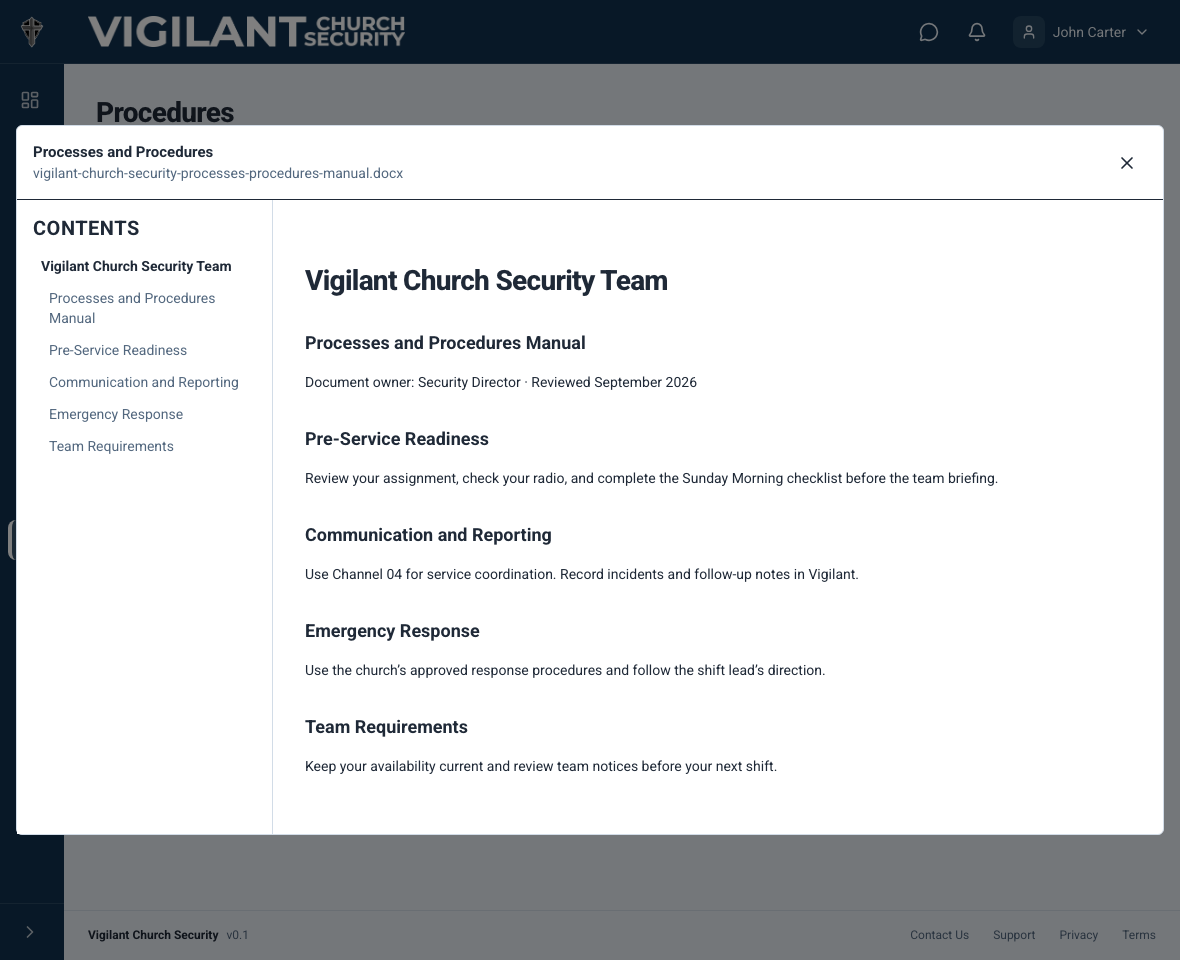
- On a wider screen, use Contents to move to a chapter or section. On a small screen, scroll through the same heading hierarchy when the contents sidebar is hidden.
- Confirm that tables, links and essential instructions are readable before a service or training session.
The web viewer converts uploaded content into a responsive reading layout. Its fonts, page breaks and formatting may differ from the original file. Do not assume a document is available offline just because you opened it earlier.

Example shown with fictional demo data. View full-size screenshot.
Report a missing or unreadable document
Check your church, connection and procedure-viewing access. Try reopening the procedure and note which title or section fails. Tell the document owner when text, a table or an image needed for the procedure is missing. A scanned PDF may need a text-based replacement before it can be read correctly.
Upload or replace procedures
An authorized maintainer can upload and review church procedures. That guide covers PDF, DOCX and Markdown, Word headings, conversion checks and upload troubleshooting. Team members should request a correction from the owner instead of circulating an unapproved replacement.