Android App
Use BOLO Alerts on Android
Review active awareness alerts and use management controls available to your account.
Vigilant Church Security for Android is available on Google Play. Install the app and sign in with your Vigilant account. Available features depend on your app version, church and effective permissions.
Read an alert
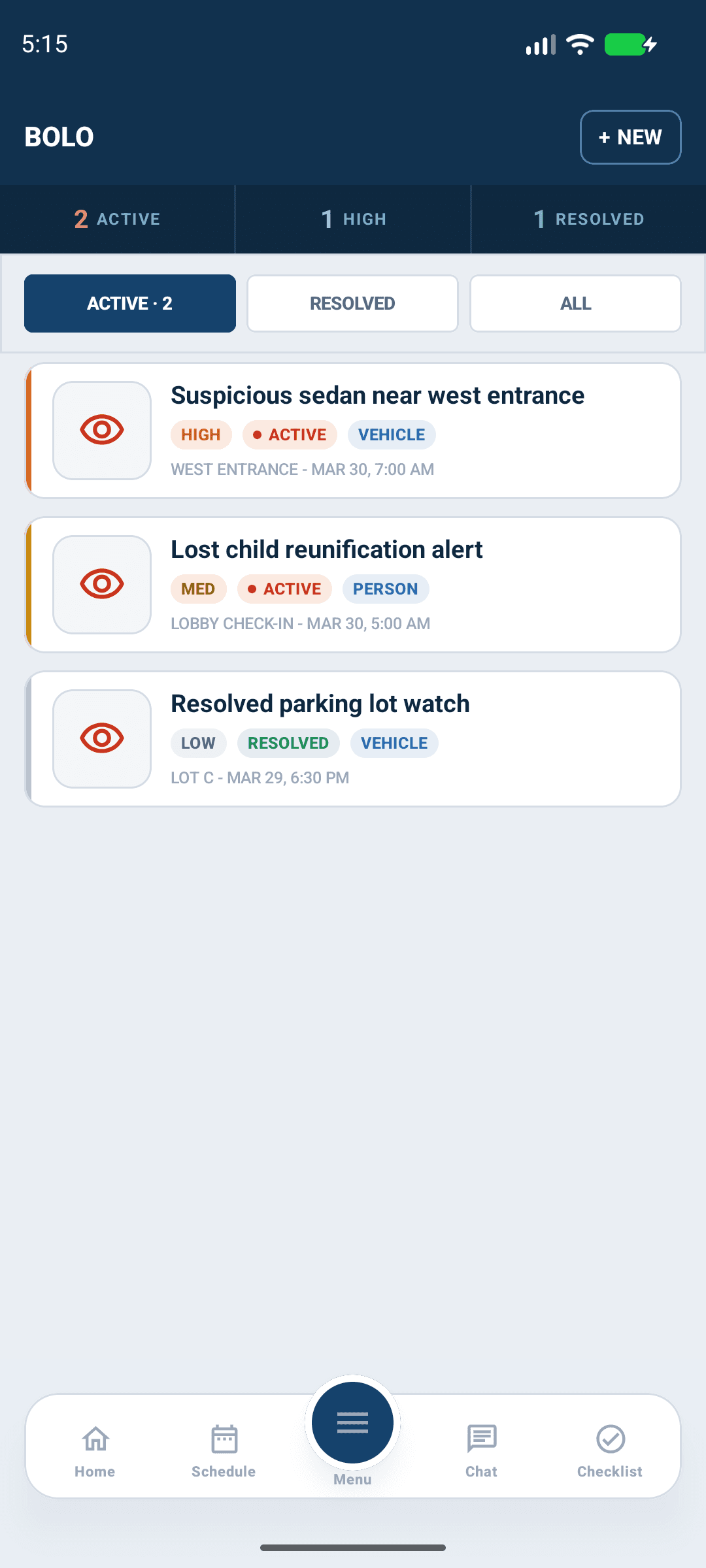
Open BOLO from the menu and review the current campus and filters. Open an alert to read its identifying information, photos and response instructions. Check its status, threat level and expiration before relying on it.
The current alert model uses Draft, Active, Resolved, False Alarm and Escalated statuses, and Informational, Monitor, Elevated Concern and Immediate threat levels. An expired or resolved alert is not automatically a current response instruction. Follow the approved instructions in the record and your church's procedures.

Android app shown with fictional demo data. View full-size screenshot.
Update an alert when authorized
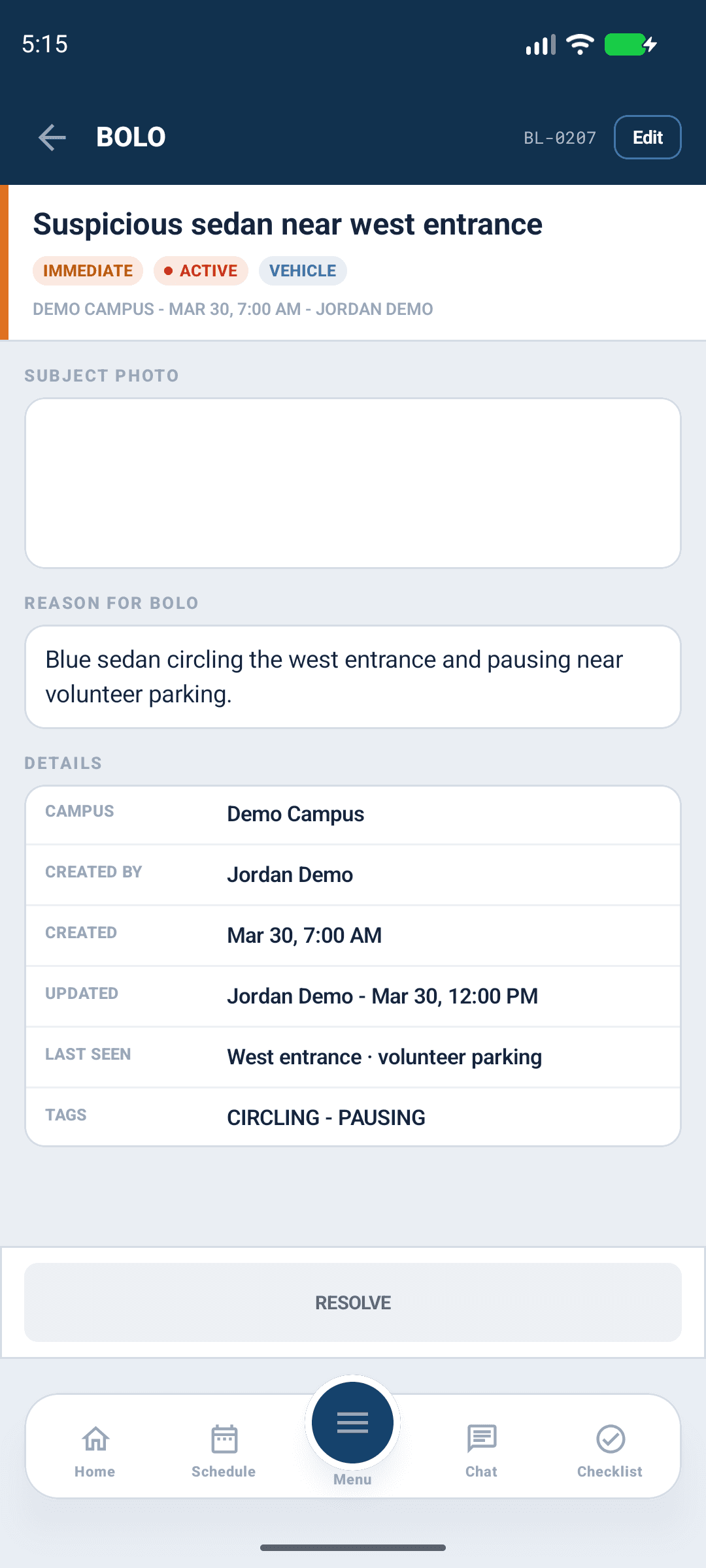
Use create or edit controls only when offered to your account. Review the campus, status, threat level, expiration and descriptive sections before saving. Add follow-up information through the available notes or history workflow. Confirm the saved record rather than assuming that closing an editor saved it.

Android app shown with fictional demo data. View full-size screenshot.
Photos and platform differences
Open photos to inspect identifying details. A failed or cached image can be incomplete; restore the connection and reopen the record. Use the web BOLO guide for management or export controls that are not present in the installed Android build. Do not assume that incident PDF controls also exist for BOLO.
If an action is unavailable
Check church and campus selection, app version and effective BOLO-management permission. Viewing alerts does not guarantee management access. Report an inaccessible active alert to the responsible leader, including its title and the visible error without circulating unnecessary personal details.
Archived or restricted records
Archived records leave ordinary lists and active dashboard awareness. Only eligible Church Admins, Directors, Campus Security Leads and Pastoral & Ministry Staff can read them within their existing scope. A notification or old link does not grant access. Use the web archive controls when your Android build does not expose them.
A BOLO can also be restricted to selected operational roles. Church Admins retain access. Ask the alert owner to review its audience if it becomes unavailable; use the web editor to manage audiences when the native build has no control.