Android App
Use Team Chat on Android
Read conversations, send replies and supported attachments, and check unread activity.
Vigilant Church Security for Android is available on Google Play. Install the app and sign in with your Vigilant account. Available features depend on your app version, church and effective permissions.
Read and reply
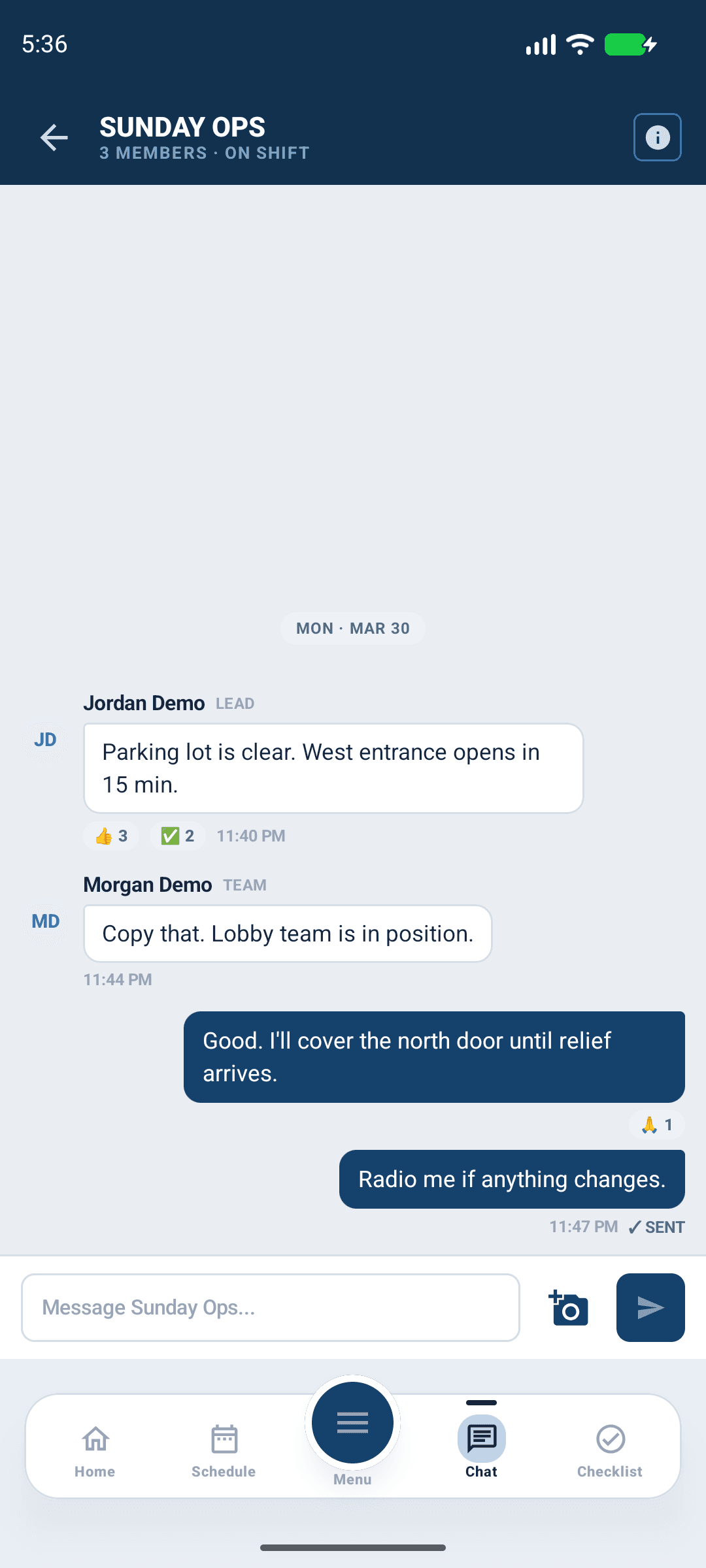
- Open the Chat tab and choose an accessible thread.
- Confirm its participants and church context, then read the recent conversation.
- Enter a reply and send it when participation controls are available.
- Wait for the message to appear in the conversation. If the send fails, inspect the thread before retrying.
Start a new conversation using the offered thread control and choose the intended participants. Keep thread titles clear and avoid putting confidential incident details in a general conversation.

Android app shown with fictional demo data. View full-size screenshot.
Attachments and message actions
If the composer offers photos, select the intended image, review it and wait for upload to complete. An attachment needs connectivity even when older messages can be read from cache. Use the message menu for the edit, delete or reaction controls available to you. Removing someone else's message requires moderation access.
Unread state and notifications
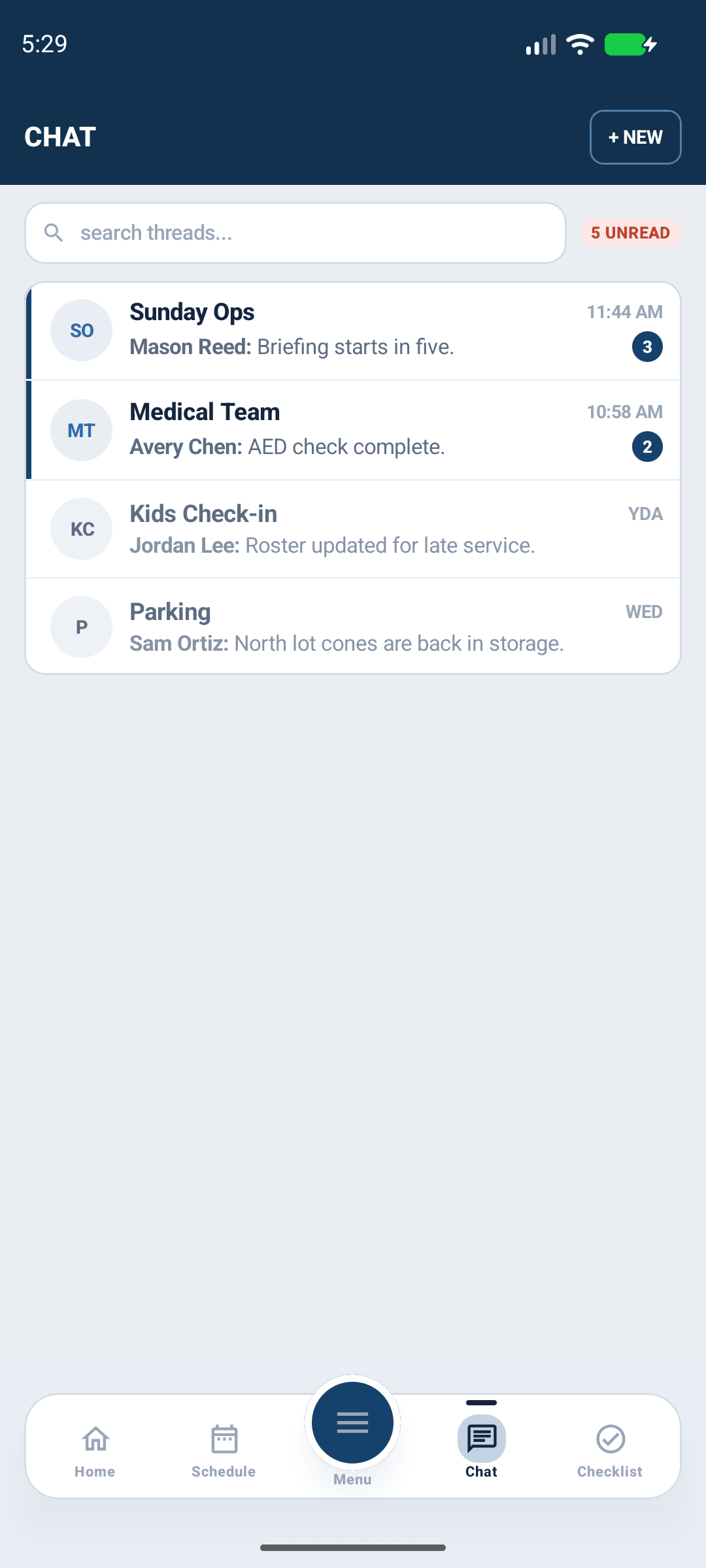
Unread indicators show conversation activity. Open the thread to catch up; review device notification permission and in-app preferences if pushes are missing. Opening or dismissing a notification does not delete the conversation.

Android app shown with fictional demo data. View full-size screenshot.
Read-only or archived threads
A readable thread may not allow posting. Check membership, participation permission and archive state with an administrator. Read deletion confirmations carefully: permanent thread deletion removes its messages and differs from archiving. Do not clear cache while a message is still pending.